
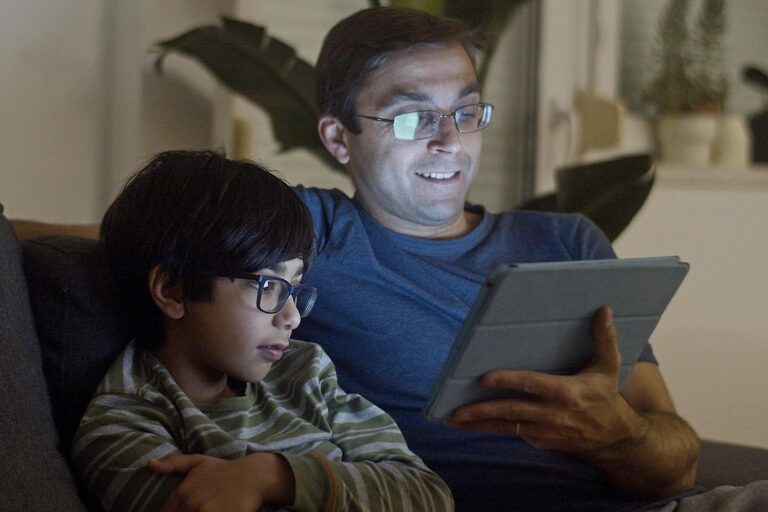
Spending hours each day in front of screens has become a common part of modern life—whether for work, study, or entertainment. However, extended screen time can lead to eye discomfort and strain, affecting your overall eye health. The good news is there are effective strategies you can use to protect your eyes and maintain clear vision while enjoying digital devices.
In this post, we’ll explore practical tips and habits that help reduce eye strain and keep your eyes healthy during screen use.
Understanding Eye Strain From Screens
Looking at digital screens causes a condition commonly known as Computer Vision Syndrome or digital eye strain. Symptoms may include:
– Dry, itchy, or watery eyes
– Blurred or double vision
– Headaches
– Neck and shoulder pain
– Difficulty focusing
These issues arise because staring at screens reduces your blink rate, affecting eye moisture, and makes your eyes work harder to focus on pixelated images.
Tips to Protect Your Eyes While Using Screens
1. Follow the 20-20-20 Rule
Every 20 minutes, take a 20-second break and look at something 20 feet away. This simple practice helps relax the eye muscles and reduce fatigue.
2. Adjust Your Lighting
Poor lighting can increase glare and cause your eyes to strain more. Use ambient lighting that’s neither too bright nor too dim, and avoid direct light shining on your screen.
3. Correct Your Screen Position
Position your screen so that it’s about an arm’s length away (20-24 inches) and slightly below eye level. This angle decreases strain on your eyes and neck.
4. Reduce Glare and Blue Light
Use anti-glare screen protectors or matte screen filters. Many devices also offer blue light filter settings or “night mode” to reduce potentially harmful blue light exposure, especially in the evening.
5. Blink More Often
Consciously blinking can help keep your eyes moist. People tend to blink less when staring at screens, so remind yourself to blink regularly to prevent dryness.
6. Use Artificial Tears if Needed
If your eyes feel dry, over-the-counter lubricating eye drops can provide relief. Choose preservative-free options if you use them frequently.
7. Adjust Display Settings
Increase font size and contrast for comfortable reading. Adjust brightness to match the lighting in the room so the screen isn’t too harsh or too dim.
8. Take Frequent Breaks and Move Around
Continuous screen use not only affects your eyes but also your posture. Stand up, stretch, and move around every hour to reduce both eye and body strain.
9. Schedule Regular Eye Exams
Regular check-ups with an eye care professional can detect underlying vision problems and ensure your prescription is up to date. Discuss your screen habits during these visits.
Additional Tips for Kids and Remote Workers
Children and those working from home can benefit from extra caution:
– Set screen time limits to avoid excessive use.
– Use devices with larger screens when possible to reduce eye strain.
– Encourage outdoor play and breaks to relax eyes naturally.
– Create a comfortable and ergonomic workspace to promote good posture.
Final Thoughts
Protecting your eyes during screen time is essential for long-term eye health and comfort. By adopting simple daily habits—like following the 20-20-20 rule, adjusting your environment, and maintaining regular eye care—you can enjoy your devices without sacrificing your vision.
Remember, your eyes work hard for you every day. Taking a little time to care for them goes a long way. Give your eyes a break today!